FOR~GO
(For Geeks Only)
By Joe Callison
8 August 2026
Enable SUDO for Windows Terminal
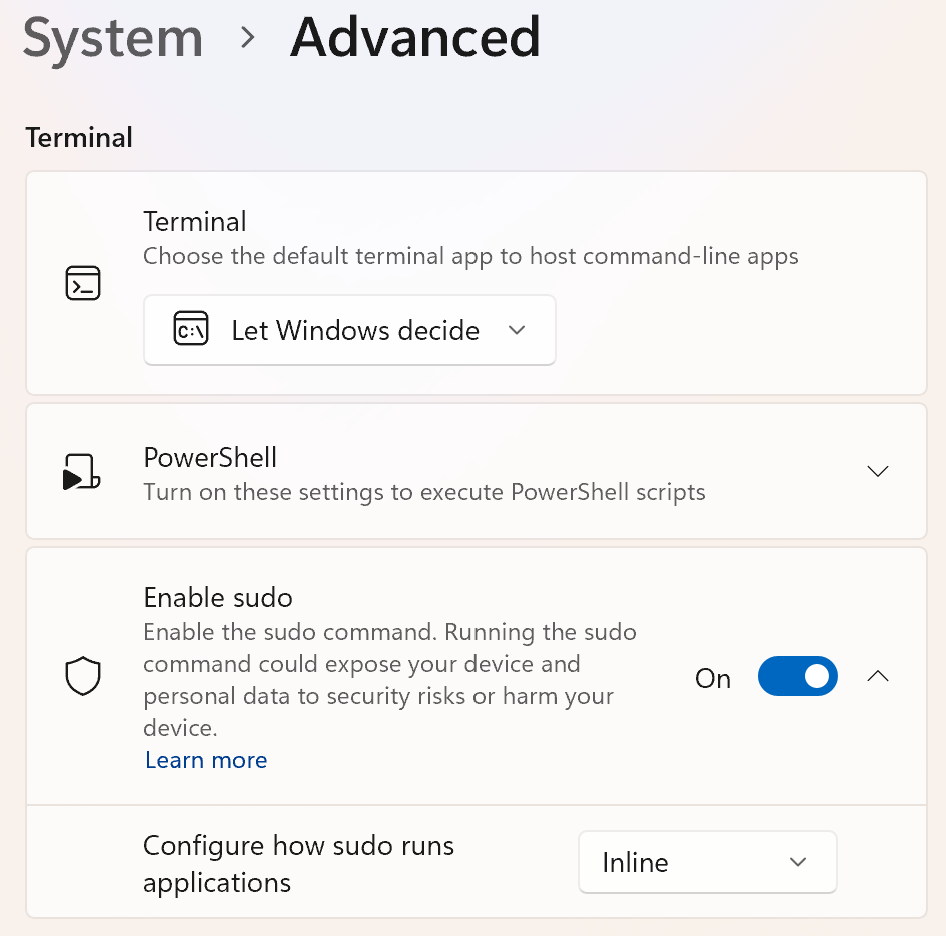
If you are familiar with using the “superuser do” sudo command in a Linux or MacOS terminal for administrative functions, then you might appreciate that it can also be enabled for the Windows Terminal without elevating the terminal to administrator privileges. Go to Windows Settings, System, Advanced, and under Terminal you will find Enable sudo. It has three options, of which the inline option is most like other operating system sudo commands. This capability is especially useful if you work from a standard user account, as recommended by many, including Microsoft, for enhanced security of your Windows computer from malware attempting system changes in an account with administrator privileges.